

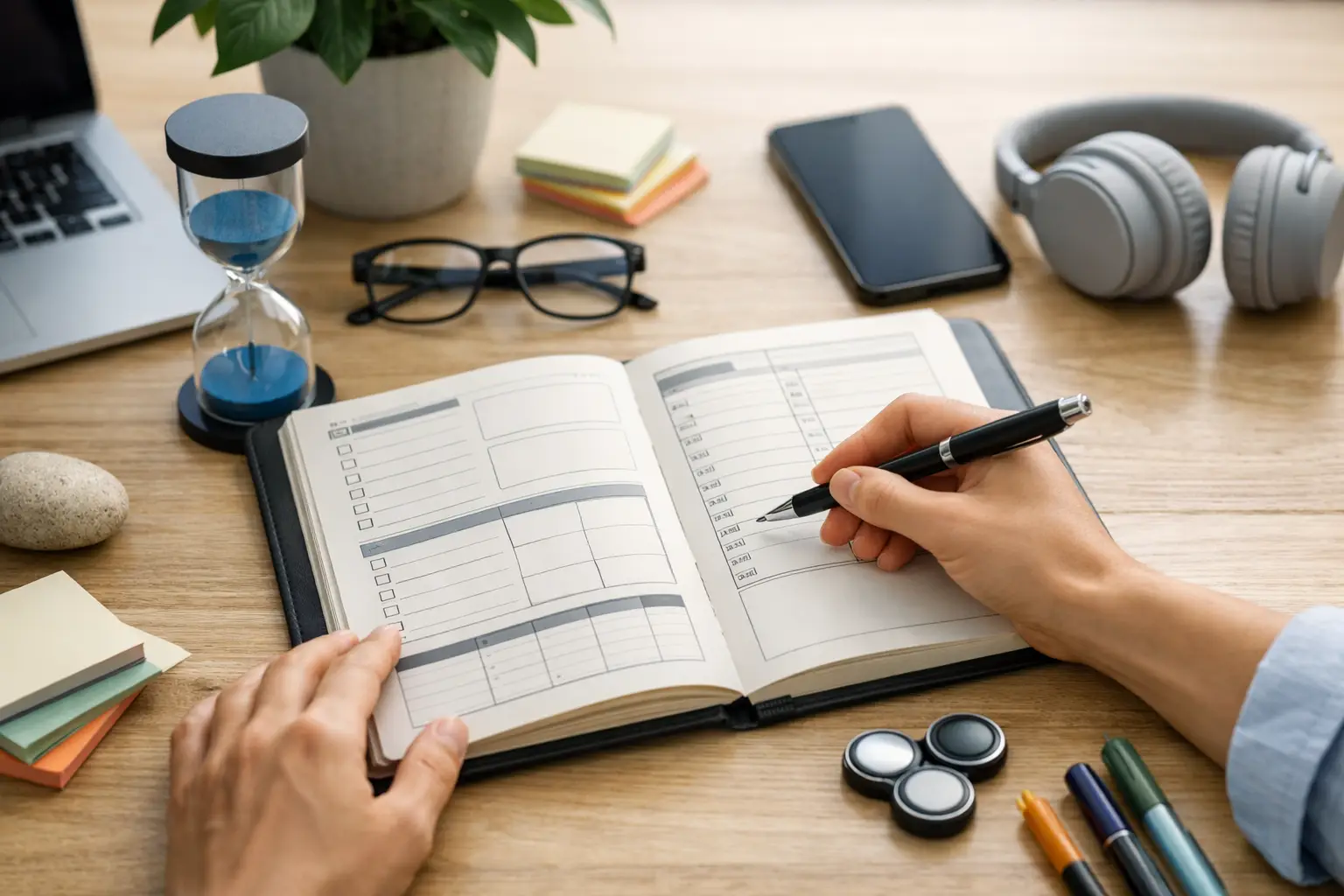
A paper planner can feel wonderfully calm at 7:00 a.m. Then a client moves a meeting, an urgent request lands in your inbox, and your carefully written plan becomes a page of crossed-out commitments. The paper planner vs productivity app decision is not really about handwriting versus screens. It is about choosing a system that still helps you see what matters when real life changes the plan.
For busy professionals, entrepreneurs, and anyone managing work, routines, and personal commitments, the best choice depends on how much your day moves, how you prioritize, and what keeps you taking action. A planner can create focus. A productivity app can create a living command center. The right answer may even be a deliberate mix of both.
Paper Planner vs Productivity App: The Core Difference
A paper planner is a fixed snapshot. You write down appointments, tasks, and notes, then use the physical page as a visual commitment to the day. That simplicity is its strength. There are no alerts competing for your attention, no extra tabs, and no temptation to reorganize your system instead of doing the work.
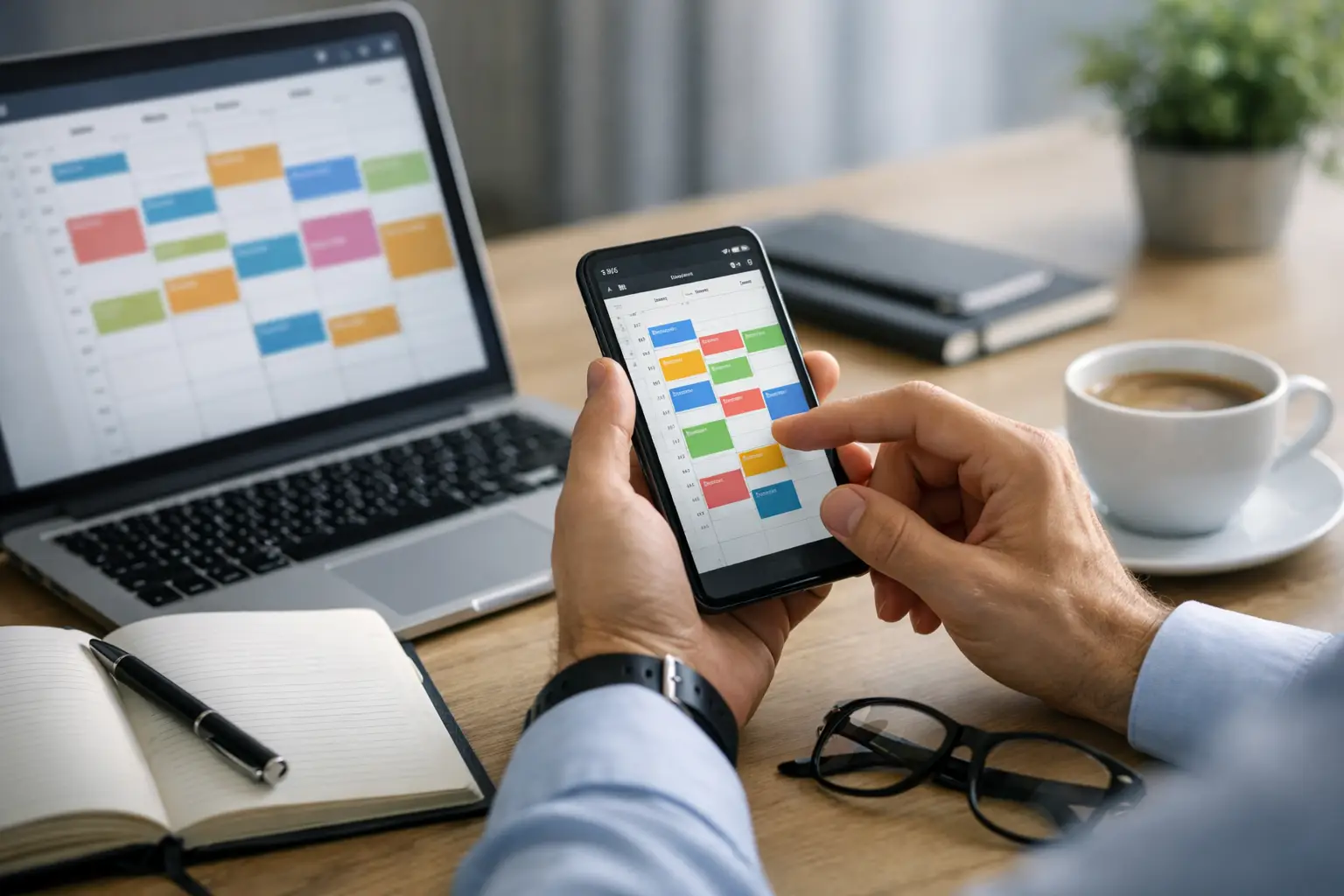
A productivity app is dynamic. It lets you capture new tasks quickly, move priorities as conditions change, connect tasks with habits and events, and see the consequences of an overloaded schedule before the day gets away from you. Instead of rewriting a plan when something shifts, you adjust it.
Neither approach automatically produces better results. A beautiful planner can become a record of unfinished intentions. An advanced app can become another source of friction if it is overconfigured or checked compulsively. Proven productivity comes from a planning system that makes your next useful action obvious and easy to start.
When a Paper Planner Is the Better Tool
Paper works especially well when your biggest problem is digital distraction. Writing a short daily plan by hand can slow your thinking in a useful way. You are less likely to dump 27 tasks onto a page and call it planning when you have to physically write every item.
For some people, handwriting also improves recall. The act of summarizing a meeting, choosing three priorities, or reflecting on the day can make commitments feel more concrete. If you work best with a tactile ritual, a paper planner can help you begin the day with intention rather than reaction.
A paper planner is also useful for high-level thinking. Weekly reviews, project brainstorming, and a quiet planning session often benefit from an open page with no notifications nearby. Many effective daily task management systems methods begin with this kind of intentional pause: identify what matters, choose a realistic amount of work, and protect time for it.
The limitation appears when your workload has dependencies. A task may need a due date, a follow-up, a subtask list, a project context, and coordination with another person. On paper, those details spread across pages or get rewritten repeatedly. That creates administrative work, which can quietly drain the energy you meant to save.
When a Productivity App Has the Advantage
A productivity app earns its place when your schedule changes often or your responsibilities overlap. Think of the project manager balancing deadlines and meetings, the entrepreneur switching between client work and operations, or the developer tracking bugs, sprint work, and personal routines. These are not static days.
Digital planning gives you fast capture. An idea from a call, a task from email, or a reminder during a commute can enter one inbox before it disappears. Later, you can decide whether it belongs on today’s plan, this week’s list, a future project, or nowhere at all. That separation between capture and prioritization reduces decision fatigue.
The strongest productivity systems also make prioritization visible. Rather than treating every task as equally urgent, you can use an Eisenhower Matrix to distinguish urgent work from important work, schedule deep-focus tasks, and move lower-value requests out of the way. These daily task prioritization strategies are particularly valuable when a full task list makes everything feel equally loud.
A good app supports time optimization without pretending you can optimize every minute. The meaning of time optimization is not cramming more into your calendar. It is aligning your limited attention with your highest-value commitments, then making the plan easy to revise when reality changes.
Smarter.Day is built for this kind of active planning, combining a visual daily view with tasks, habits, events, prioritization, subtasks, and shared work in one structured space. The goal is not to create more planning activity. It is to help you stay in control of the next decision.
The Real Trade-Off: Focus Versus Flexibility
The paper planner vs productivity app debate often gets framed as analog focus versus digital efficiency. That is true, but incomplete. The deeper trade-off is between a system that limits options and one that handles complexity.
Paper naturally limits you. You have one page, one pen, and a clear view of what you wrote. That constraint can be excellent for someone who tends to over-plan or gets distracted by notifications. But the same limitation can make paper frustrating when priorities need to be rebalanced several times a day.
Apps offer flexibility, but flexibility needs rules. If you constantly reschedule tasks, add tags, change colors, and rebuild lists, you are not practicing system productivity. You are avoiding execution with productive-looking behavior. Keep the structure light enough that updating your plan takes seconds, not a second job.
For ADHD users, this distinction can be especially meaningful. A paper page may reduce visual noise, while an app can reduce the burden of remembering every open loop. The best fit depends on the individual. Some people need the physical cue of a notebook on the desk. Others need alerts, recurring routines, drag-and-drop scheduling, and an always-available capture tool to prevent tasks from vanishing.
Choose Based on Your Actual Workday
Start with a simple question: what breaks down first when your day gets busy? If you lose focus because your phone pulls you into messages and feeds, begin with paper for daily priorities and keep digital tools limited to calendar and reminders. If you lose track of tasks, deadlines, and commitments across work and home, an app will likely give you more relief.
Also consider collaboration. A paper planner is private by design. That can be a benefit for personal reflection, but it cannot show a teammate task status, share a deadline, or keep a project moving when responsibilities change. For collaborative work, a shared digital system is usually the clearer choice.
Your planning horizon matters too. Paper is excellent for today and this week. A productivity app becomes more valuable as you manage recurring habits, longer projects, delegated tasks, future reminders, and multiple areas of life. The more moving parts you have, the more a single source of truth protects your attention.
Do not choose based on the fantasy version of yourself who maintains an elaborate planning ritual every morning. Choose for the version of you who has ten minutes before the first meeting, gets interrupted at noon, and still wants to end the day knowing the important work moved forward.
A Hybrid System Can Be the Smartest Choice
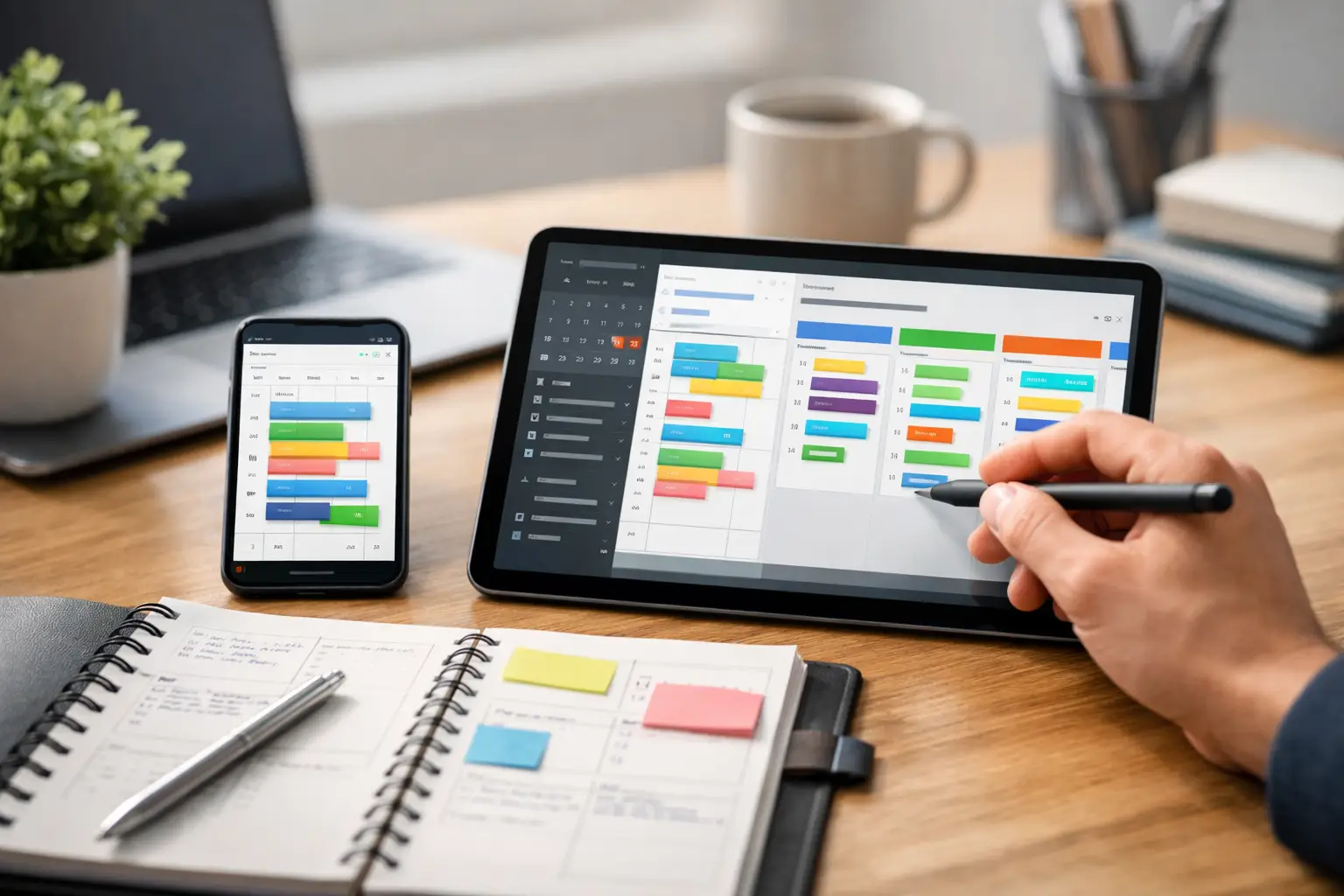
You do not have to make this a permanent either-or decision. A hybrid setup can give you paper’s focus and an app’s flexibility. Keep your complete task inventory, appointments, recurring habits, and project details in one digital system. Then write the day’s three most important outcomes on paper when you need a distraction-free view.
The key is avoiding duplicate maintenance. Your notebook should not become a second task database. Use it as a focus tool, not a place to rewrite every obligation. If a task changes, your app remains the source of truth. The paper page simply keeps your attention anchored on what deserves action now.
This approach also supports evidence-based productivity techniques such as limiting work in progress, choosing specific next actions, and reviewing commitments regularly. A clear system lowers the mental load of remembering. A short written focus list lowers the activation energy of starting.
Build a System You Will Use on Hard Days
The best planning tool is not the one with the most features or the nicest pages. It is the one you trust when your calendar changes, your energy drops, and your task list feels bigger than your available time.
Give your system a two-week test. Track whether you can capture tasks quickly, identify priorities without hesitation, and finish the day with fewer loose ends. If the tool creates friction, change the tool or simplify the process. Your schedule does not need more pressure. It needs a clearer next step that helps you protect your focus and make smarter use of the day.
You May Also Like
These Related Stories
ADHD Focus Planner That Actually Helps
Daily Planning App Review for Busy Professionals
No Comments Yet
Let us know what you think