


Most people do not have a task problem. They have a ranking problem.
That is why the best apps for daily prioritization matter more than another basic to-do list. If your day starts with 27 tasks, three meetings, five messages, and a vague sense that everything feels urgent, the right app can do more than store work. It can reduce decision fatigue, surface what matters, and help you move with control instead of reacting all day.
For busy professionals, entrepreneurs, developers, marketers, and ADHD users, that difference is not minor. It is often the line between a day that feels intentional and one that disappears into context switching.
What the best apps for daily prioritization actually do
A strong prioritization app is not just a place to write things down. It gives structure to competing demands. The best ones help you decide what deserves attention now, what can wait, and what should probably leave your list altogether.
That distinction matters because proven productivity is rarely about doing more. It is about choosing better. Across modern productivity systems, the same pattern keeps showing up: people perform better when decisions are simplified, priorities are visible, and task selection happens with clear rules instead of mood.
In practice, that means the best apps for daily prioritization usually combine a few core functions. They let you capture tasks quickly, rank them visually, connect them to time, and review them without friction. Some go further with habit tracking, AI suggestions, calendar views, or collaborative planning. Those extras can be powerful, but only if they reduce complexity instead of adding it.
How we judged these apps
For this comparison, the real test is simple: does the app help you decide what to do next?
That sounds obvious, but many tools are better at collection than prioritization. They give you folders, labels, comments, and endless customization, yet still leave you staring at a long list at 9:00 a.m. wondering where to begin. We looked for apps that support daily task prioritization strategies in a way that feels fast, clear, and repeatable.
We also considered different working styles. Some people want a visual day planner. Others need lightweight capture across devices. Some need a time management prioritization framework for entrepreneurs with multiple commitments. Others need simple guardrails that reduce overwhelm. There is no single winner for every workflow.
1. Smarter.Day
If your biggest challenge is turning a crowded list into a clear day plan, Smarter.Day stands out because it treats prioritization as the center of the workflow, not an afterthought.
The app combines task management, habit tracking, scheduling, inbox capture, subtasks, and visual daily planning in one system. That matters because fragmented tools create fragmented decisions. When tasks live in one app, habits in another, and calendar thinking somewhere else, you spend more energy stitching your day together than executing it.
What makes this especially effective is the visual structure. Features like drag-and-drop prioritization, Eisenhower Matrix planning, and AI-based priority scoring help users identify what is urgent, what is important, and what deserves attention first. For people trying to build effective daily task management systems methods 2025 2026 style workflows, that combination is practical and fast.
It is a strong fit for professionals who want clarity without building a complicated setup. It is also useful for ADHD users who benefit from visual order and lower decision friction. The trade-off is that people who only want a bare-bones checklist may find it more feature-rich than they need.
2. Todoist
Todoist remains one of the most popular options because it is clean, quick, and easy to trust. It handles task capture well, and its priority flags, recurring dates, filters, and project organization make it a reliable personal system.
Its strength is flexibility. You can keep it simple or build a more detailed structure over time. For many users, that is enough to support solid productivity strategies for professionals without feeling heavy.
The limitation is that prioritization can still depend on how disciplined you are. Todoist gives you the tools, but it does not strongly guide your decisions. If you want more visual support or built-in prioritization logic, you may outgrow it.
3. Sunsama
Sunsama is designed for deliberate daily planning. Instead of just maintaining a task database, it encourages you to pull tasks into a realistic daily schedule. That makes it strong for users who want tighter time optimization and better control over workload.
Its daily ritual helps you decide what fits today instead of pretending every open task belongs on the same list. That is a useful correction for ambitious professionals who regularly overcommit.
The downside is pace. Some users love the intentional planning flow. Others find it slower than they want, especially if they manage tasks quickly and prefer rapid interaction.
4. TickTick
TickTick is often underestimated. It blends tasks, reminders, habits, calendar views, and focus tools in a compact package. For people who want more than a to-do list but less complexity than a full project platform, it lands in a smart middle ground.
Its built-in Pomodoro timer and habit support can help users create stronger systems productivity habits around daily execution. The app works especially well for individuals who want one place for personal planning.
Still, its prioritization experience is more conventional than strategic. You get priority levels and scheduling, but not as much structured support for sorting importance versus urgency.
5. Motion
Motion takes a more automated approach. It uses AI to build schedules and adjust plans as tasks, deadlines, and meetings change. For people with packed calendars, that can feel like relief.
The appeal is obvious: less manual planning, faster decisions, better meeting time optimization, and a stronger sense that your calendar reflects reality. If your workload changes constantly, automation can save real mental energy.
The trade-off is control. Some users love AI-generated plans. Others want to make prioritization decisions themselves and find automatic rescheduling too prescriptive. It depends on whether you want assistance or authority.
6. Microsoft To Do
Microsoft To Do is simple and approachable. Its My Day view is still one of the clearest examples of lightweight daily focus. For users already in the Microsoft ecosystem, it fits naturally into existing work habits.
It works best for straightforward personal task management. If you need a gentle structure for daily decisions, it can absolutely help.
But it is limited for more advanced prioritization frameworks. You will not get much support for deeper evidence-based productivity techniques beyond basic sorting and planning.
7. Trello
Trello is visual, flexible, and easy to understand. Boards and cards make prioritization visible in a way many list-based apps do not. For teams and solo users who think in stages, columns, or workflows, that visual model is useful.
It can support daily planning, especially if you create a focused board for today, this week, and later. That said, Trello is more workflow-oriented than day-oriented. It is great for organizing moving parts, but less natural for answering one pressing question: what should I do next right now?
8. Asana
Asana is excellent for team coordination and larger project visibility. If your daily priorities are heavily shaped by shared work, dependencies, and deadlines, Asana gives you the context behind each task.
That context is valuable. It helps prevent the classic mistake of prioritizing what feels loudest instead of what moves the project forward. For collaborative work, that is a major strength.
For personal daily prioritization, though, Asana can feel heavier than necessary. It is often better as a team execution platform than a personal focus engine.
9. Notion
Notion is powerful because it can become almost anything. That is also the problem.
If you enjoy building your own productivity system, Notion can support highly customized daily task prioritization strategies. You can create dashboards, matrices, databases, and workflows tailored to exactly how you think.
But customization is not the same as clarity. Many users spend more time designing the system than using it. If your goal is faster execution and less decision fatigue, a more opinionated app may serve you better.
10. Things 3
Things 3 is polished, calm, and beautifully organized. It is one of the best personal task managers for Apple users who want a refined, distraction-free experience.
Its structure encourages thoughtful planning through areas, projects, deadlines, and the Today view. That makes it excellent for people who value simplicity with just enough depth.
The limitation is ecosystem and scope. It is Apple-only, and while its prioritization feels elegant, it is less feature-forward for people who want habits, collaboration, or stronger automation.
Which app is right for your style of prioritization?
If you want an all-in-one system that combines daily planning, habit tracking, scheduling, and structured prioritization, Smarter.Day is one of the strongest choices. If you want a clean and proven task manager, Todoist is still easy to recommend. If time-blocking drives your focus, Sunsama and Motion are compelling in different ways - one more intentional, one more automated.
If your needs are lighter, Microsoft To Do or TickTick may be enough. If your work is deeply collaborative, Asana or Trello might fit better. And if you love building systems from scratch, Notion gives you room to experiment.
The bigger point is this: the best app is not the one with the longest feature list. It is the one that helps you make better decisions faster, repeat that process every day, and stay in control when your workload grows.
That is the heart of what is often called time optimization meaning in practice. Not squeezing every minute for output, but creating a smarter time structure where your attention goes to the right work at the right moment.
Choose the tool that makes your next decision easier. That is usually the one you will keep using when life gets busy.
You May Also Like
These Related Stories
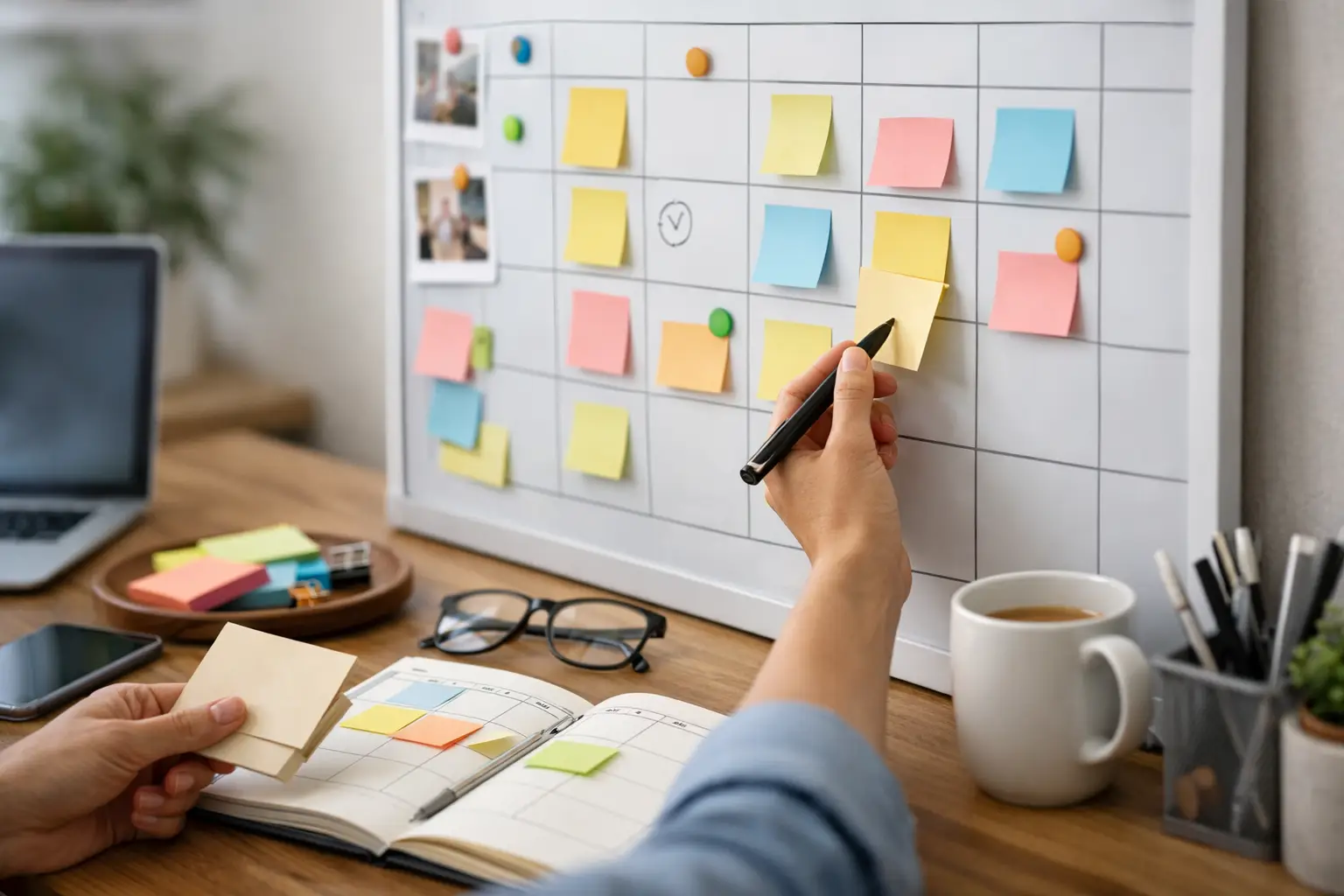
A Guide to Visual Day Planning That Works
Time Blocking for Overloaded Schedules

No Comments Yet
Let us know what you think