

How Subtasks for Complex Projects Keep Work Moving

A complex project rarely falls behind because people are lazy. It slips when the work is still too vague to start.
That is why subtasks for complex projects matter so much. When a project lives as one giant item on a list, it creates friction at every step. You do not know what to do first, what depends on what, how long anything will take, or whether you are actually making progress. Break that same project into clear, workable pieces, and the path forward gets a lot easier to see.
For professionals juggling product launches, client work, operations, content calendars, or software builds, subtasks are not administrative overhead. They are a practical control system. They turn intention into execution.
Why subtasks for complex projects work
Large projects fail in predictable ways. The scope stays blurry. Priorities shift without warning. One blocked step stalls five others. People assume someone else owns a piece of the work. Then the deadline gets closer, and everything suddenly feels urgent.
Subtasks reduce that chaos because they force specificity. Instead of managing a goal like "launch new website," you manage the real work inside it - define page structure, gather copy, create wireframes, review design, implement analytics, test mobile performance, approve redirects. That level of detail gives you something you can assign, estimate, prioritize, and complete.
There is also a psychological benefit. Smaller units of work create visible progress. That matters more than most teams admit. Momentum is one of the strongest forms of proven productivity because progress lowers resistance. When the next step is obvious, starting takes less energy.
This is especially useful for ADHD users and fast-moving operators who lose time when they have to repeatedly decide what to do next. A project broken into subtasks removes decision clutter. It supports smarter time by making action easier than avoidance.
The difference between a task and a useful subtask
Not every broken-out step improves execution. Some project plans become so detailed that they create their own drag. If every action becomes a subtask, the system starts to feel like busywork.
A useful subtask has three qualities. It is concrete enough to act on, small enough to finish without ambiguity, and meaningful enough to move the project forward. "Work on campaign" is too vague. "Draft three email subject line options" is clear. "Open laptop" is technically actionable, but too trivial to manage in most systems.
The right level depends on the project and the person doing the work. A developer may want a ticket broken into backend logic, API testing, and UI validation. A founder may only need planning, review, and approval steps. It depends on complexity, handoffs, and how often things get stuck.
If a project has multiple owners, dependencies, or review cycles, you usually need more subtask detail, not less. If it is solo work that you understand deeply, fewer subtasks may be enough.
How to break down complex work without overcomplicating it
Start with the outcome, not the activity. Ask what "done" actually means. If the goal is to onboard a new client, done might mean the contract is signed, access is granted, kickoff is scheduled, and the initial plan is approved. That gives you anchors.
From there, work backward. What must happen before each milestone? What information is needed? Who owns each step? Where are approvals likely to slow things down? This is where subtasks become useful because they expose the sequence.
Then pressure-test each subtask with a simple question: could someone look at this and know exactly what to do next? If the answer is no, it is still too broad.
A good breakdown often follows natural project layers:
- planning
- preparation
- execution
- review
- delivery
Where most people get subtasks wrong
The first mistake is waiting too long. People keep projects at the headline level until they feel pressure, then scramble to unpack everything at once. That usually leads to poor sequencing and missed dependencies.
The second mistake is creating subtasks with no priority logic. A list of steps is helpful, but only if the most important or blocking work stands out. Otherwise, teams stay busy without moving the project meaningfully forward.
The third mistake is ignoring maintenance. Complex projects change. New requirements appear, timelines shift, and stakeholders add feedback. Subtasks need quick editing, reordering, and reassignment. If updating the plan feels slow, the system gets abandoned.
This is why effective daily task management systems methods 2025 2026 are moving toward flexible structures instead of rigid plans. The goal is not to build a perfect map on day one. The goal is to create enough structure to act clearly and adapt fast.
Using subtasks to support prioritization
Subtasks do more than organize work. They improve prioritization.
At the project level, they reveal what is urgent versus what is simply visible. A project can look healthy on the surface while one hidden dependency quietly threatens the timeline. When the work is broken down, that risk becomes easier to spot.
At the daily level, subtasks help you choose the next best action. Instead of carrying a large, stressful task into your day, you carry a specific move. That matters for daily task prioritization strategies because smaller actions are easier to place into a real schedule.
This is where productivity systems become more than theory. A prioritization method like the Eisenhower Matrix works better when tasks are defined at the right size. "Prepare investor update" may sit in the important quadrant, but the subtask "collect revenue metrics from finance" is what actually gets done at 10:00 AM.
When your task manager shows project context and next-step clarity in one place, prioritization becomes faster and more accurate. That is one reason many professionals prefer all-in-one systems over scattered notes and separate tools.
How subtasks help teams collaborate better
In collaborative work, ambiguity spreads fast. One vague task can create duplicate effort, missed handoffs, and constant status checking.
Subtasks solve part of that problem by making ownership visible. Instead of asking who is handling the deck, who is reviewing legal copy, or whether QA has started, the project structure tells you. People spend less time chasing updates and more time doing the work.
They also improve accountability without adding pressure for the sake of pressure. Clear subtasks make expectations fairer. Team members know what is expected, when it matters, and how their piece connects to the bigger result.
There is a trade-off, though. If managers use subtasks to micromanage every movement, collaboration gets worse. Good structure creates clarity. Too much structure signals distrust. The difference is whether subtasks support progress or try to control every minute.
A practical way to manage subtasks day to day
If you want subtasks to boost execution, keep the workflow simple.
Break down the project when you create it, but only to the level you can confidently define. Mark the blocking steps first. Assign ownership early. Then review the subtask list at the start of each day or sprint and pull only the next actions that are ready to move.
As the project evolves, edit freely. Add steps when complexity appears. Merge steps when the plan gets too fragmented. Reorder based on reality, not the original draft.
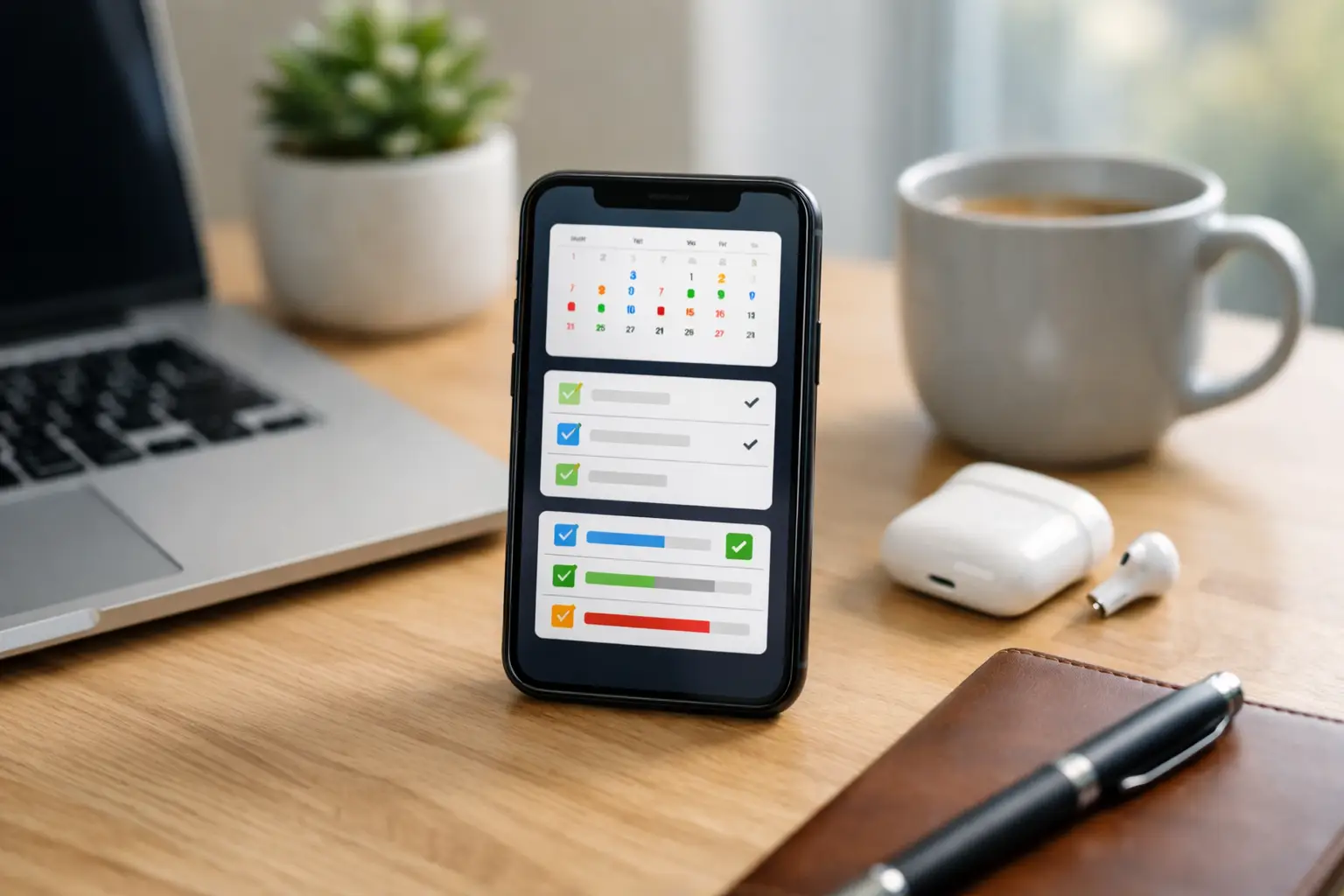
This is where a visual planning tool can make a real difference. In Smarter.Day, for example, subtasks sit inside a broader productivity system that also supports prioritization, scheduling, habit tracking, and day planning. That matters because complex work does not live in isolation. It competes with meetings, routines, personal responsibilities, and shifting deadlines. Seeing those pressures together helps you stay in control instead of constantly renegotiating your day.
When not to use more subtasks
More detail is not always better.
If a task is short, familiar, and low-risk, adding layers may slow you down. If the project changes hourly, extensive subtask planning can become wasteful because the structure goes stale before it helps. And if you already know the next three moves clearly, stopping to document each one might interrupt momentum.
The test is simple: does breaking this down reduce friction, or add it? The best systems productivity approach is the one that gives you enough clarity to act without burying you in maintenance.
For some projects, five well-written subtasks will outperform twenty-five tiny ones. For others, especially cross-functional work, the opposite is true. It depends on the cost of confusion.
Complex projects do not become manageable when you work harder. They become manageable when the next step stops being a mystery. That is what good subtasks deliver - clarity you can act on, progress you can see, and a calmer way to move serious work forward.
You May Also Like
These Related Stories
One App for Events, Tasks, and Habits

Time Blocking for Overloaded Schedules

No Comments Yet
Let us know what you think